
THE AUTOMEDIC OBD STORE

A clearer connection
to your vehicle.

More insight starts with the right connection. Explore wireless adapters for vehicle diagnostics, VIN, mileage and live data on supported vehicles.

Our store is getting ready. All three adapters are currently out of stock. Ordering is not available yet.

The AutoMedic robot guide in blue overalls holding a wrench
YOUR AUTOMEDICA little guidance.
A lot more clarity.

GET TO KNOW
YOUR VEHICLE

VIN & mileage
Check-engine codes
Emissions readiness
Live vehicle data

Available information depends on your vehicle, adapter and compatible software.

FIND YOUR CONNECTION

Meet the adapters.

Three options.
One better-informed decision.

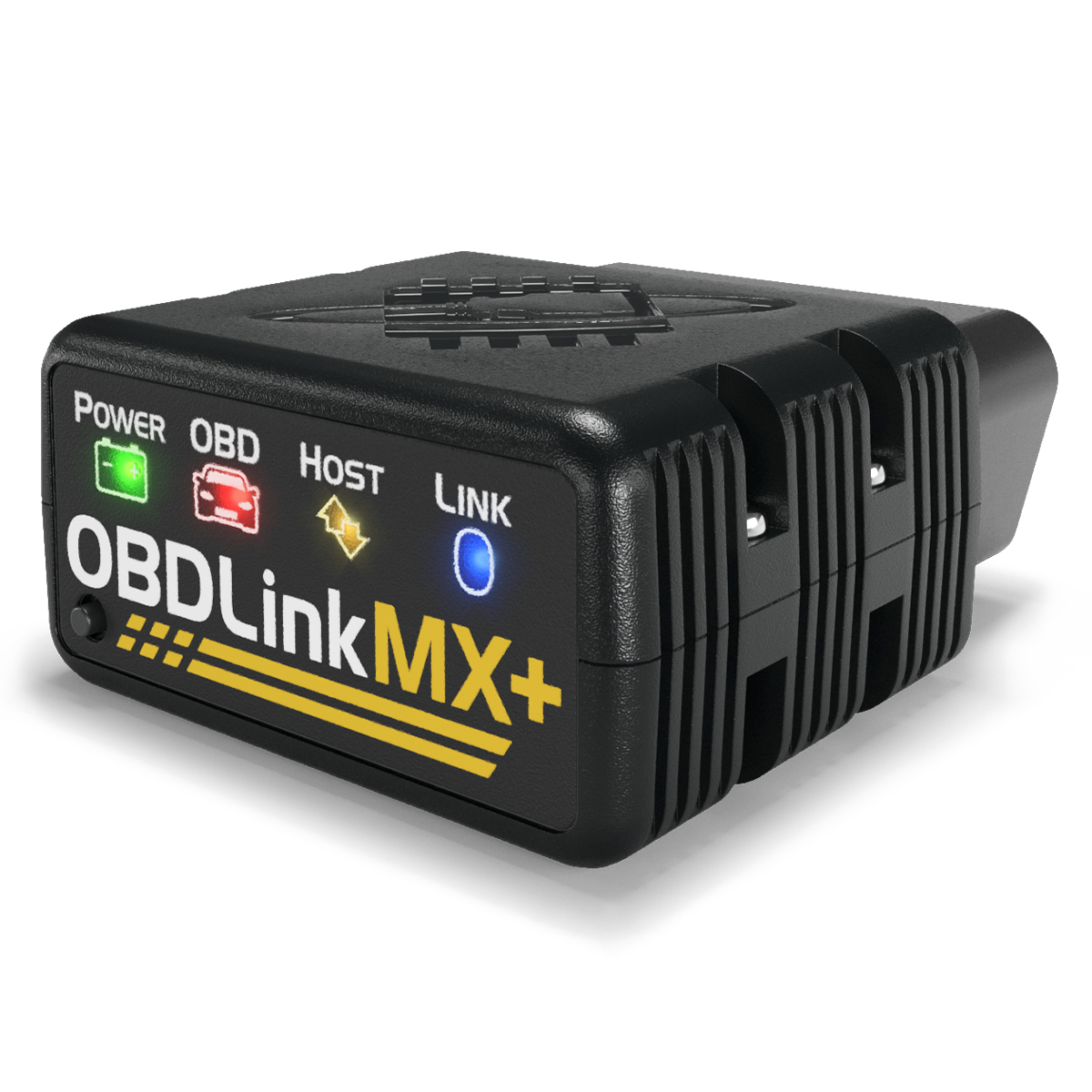
EXPANDED NETWORKSBlack OBDLink MX+ wireless OBD adapter

OBDLINK

Standard OBD-II diagnostics with additional Ford and GM vehicle networks.

Manufacturer device support

iPhoneAndroidWindows

VIN & mileage readings

Read vehicle identity and reported odometer mileage where supported.

Capabilities & specifications
  • Bluetooth Classic with iPhone support.
  • Supports all five standard OBD-II protocols.
  • Hardware supports Ford MS-CAN and GM SW-CAN.

Features depend on compatible software and the vehicle. Extra networks require supported software commands.

VIN & mileage details

VIN: Read the VIN when the vehicle reports it through a supported diagnostic request.

Mileage: Available readings depend on the vehicle and supported module requests. A readable VIN does not guarantee mileage from the PCM, BCM, IPC or every module. Mileage may be unavailable or differ between modules.

Connection guide

iPhone: Pair MX+ in iPhone Bluetooth Settings, then connect in AutoMedic.

Android: Pair MX+ in Android Bluetooth Settings, then select it in AutoMedic.

Windows: Use Bluetooth with compatible Windows OBD software and follow that software’s connection instructions.
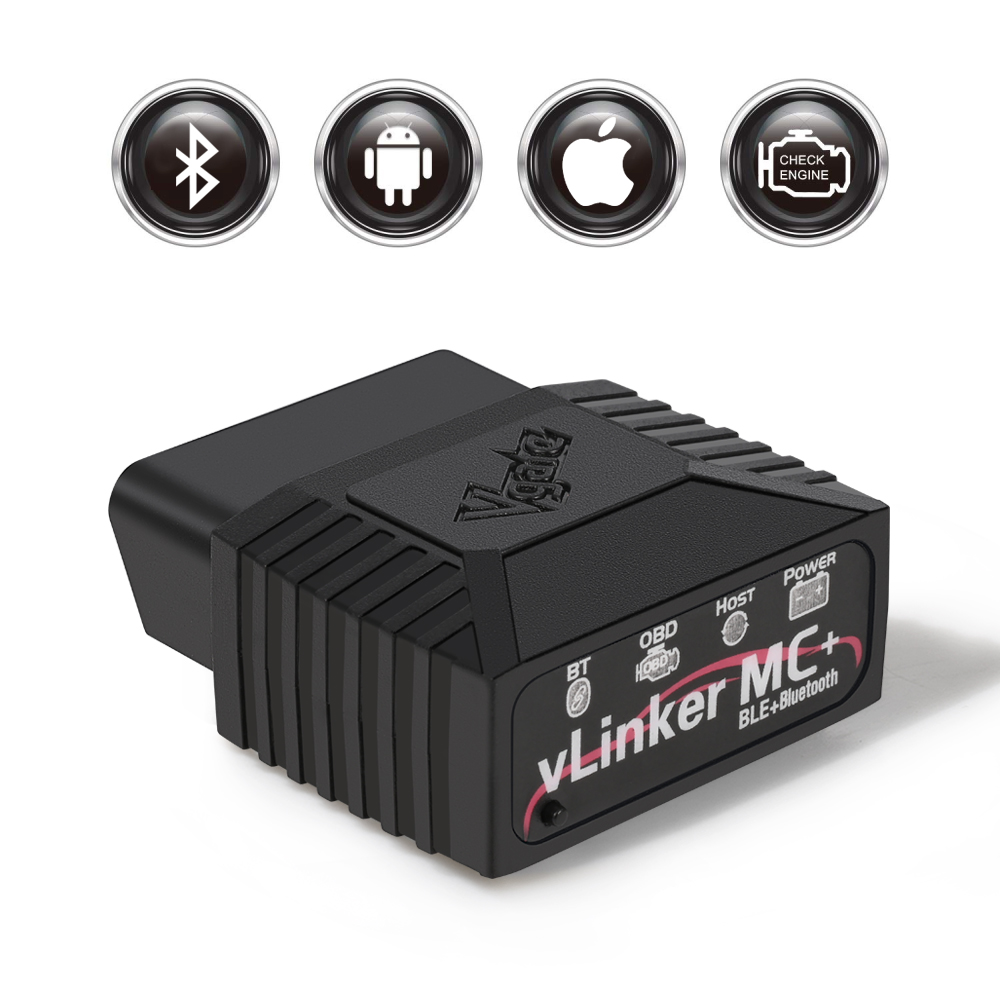
EXPANDED NETWORKSBlack Vgate vLinker MC+ wireless OBD adapter

VGATE

Vgate vLinker MC+

A wireless OBD-II adapter with additional Ford and GM network hardware.

Manufacturer device support

iPhoneAndroidWindows

VIN & mileage readings

Available through compatible software and supported vehicle requests.

Capabilities & specifications
  • Bluetooth LE on iPhone; Bluetooth Classic on Android.
  • Manufacturer lists standard OBD-II, Ford MS-CAN and GM SW-CAN support.
  • Manufacturer lists firmware updates and ELM AT / ST command support.

These are hardware capabilities. Vehicle and software support determine available features, including within AutoMedic.

VIN & mileage details

VIN: Reading depends on compatible software and the vehicle’s diagnostic support.

Mileage: Reading requires compatible software and a supported odometer request. MS-CAN or SW-CAN hardware alone does not guarantee access to mileage, the PCM, BCM, IPC or other modules.

Connection guide

iPhone: Connect inside a compatible app over Bluetooth LE. No pairing in iPhone Bluetooth Settings is needed.

Android: Press the adapter button to pair vLinker MC-Android using PIN 1234, then connect in a compatible app.

Windows: Use Bluetooth with compatible Windows OBD software and follow that software’s connection instructions.

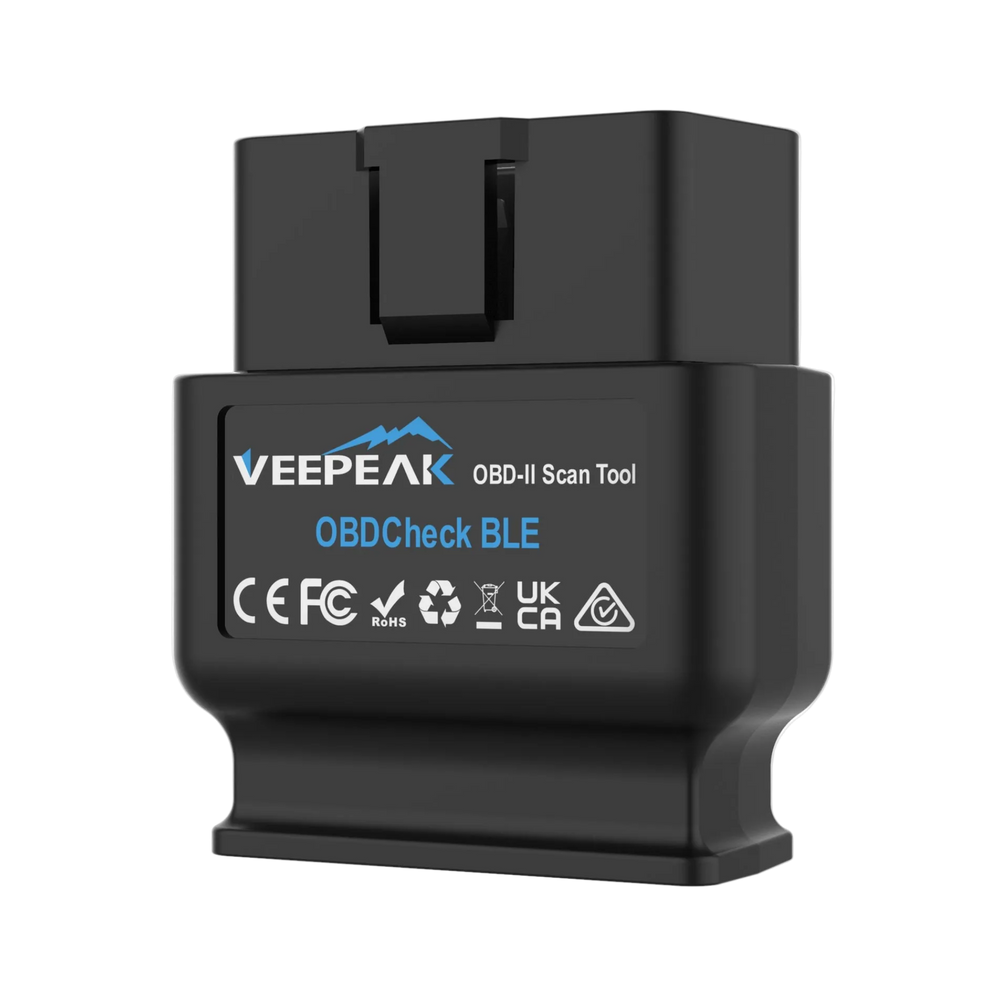
STANDARD OBD-IIBlack Veepeak OBDCheck BLE wireless OBD adapter

VEEPEAK

Veepeak OBDCheck BLE

A compact wireless connection for standard OBD-II checks and available vehicle data.

Manufacturer device support

iPhoneAndroidWindows

VIN & mileage readings

Read VIN and standard odometer data when the vehicle supplies it.

Capabilities & specifications
  • Bluetooth Low Energy on iPhone; Bluetooth Classic on Android.
  • Reads supported engine codes, readiness and live data with a compatible app.
  • Standard OBD-II connection; no added Ford MS-CAN or GM SW-CAN hardware.

This listing is for OBDCheck BLE, not BLE+. Features depend on compatible software and the vehicle.

VIN & mileage details

VIN: With compatible software, read the VIN when the vehicle provides it through standard OBD-II.

Mileage: Requires a supported standard OBD-II odometer value. Not every vehicle supplies it, and manufacturer-specific module mileage is not guaranteed.

Distance since codes were cleared is not total odometer mileage.

Connection guide

iPhone: Connect inside the app over Bluetooth LE. Do not pair it in iPhone Bluetooth Settings.

Android: Pair VEEPEAK in Android Bluetooth Settings using PIN 1234, then connect in the app.

Windows: Use Bluetooth with compatible Windows OBD software and follow that software’s connection instructions.

Using Windows? These manufacturers support compatible Windows software. AutoMedic vehicle scanning is not currently available for Windows.

BEFORE YOU CHOOSE

The right adapter.
The right information.

Your vehicle, adapter and software work together. Here’s what matters.

Start with your device

Check phone or computer support and how the adapter connects.

Know what you want to read

Standard engine diagnostics and manufacturer-specific modules have different requirements.

Check vehicle and app support

VIN and mileage availability varies. Hardware support does not mean every AutoMedic feature is available on every vehicle.